
























citiusKBE Yandex search console

Knowledge Based Engineering Solutions with Ease of Use.

Contact Us
Contact Us 24/7
Contact Us
CitiusKBE
CitiusKBE
  • Home
  • Service
  • SheetForge: Sheet Metal Feature Validation Tool

SheetForge

Automated Sheet Metal Feature Validation for Siemens NX

SheetForge: Automated Sheet Metal Feature Validation for Siemens NX

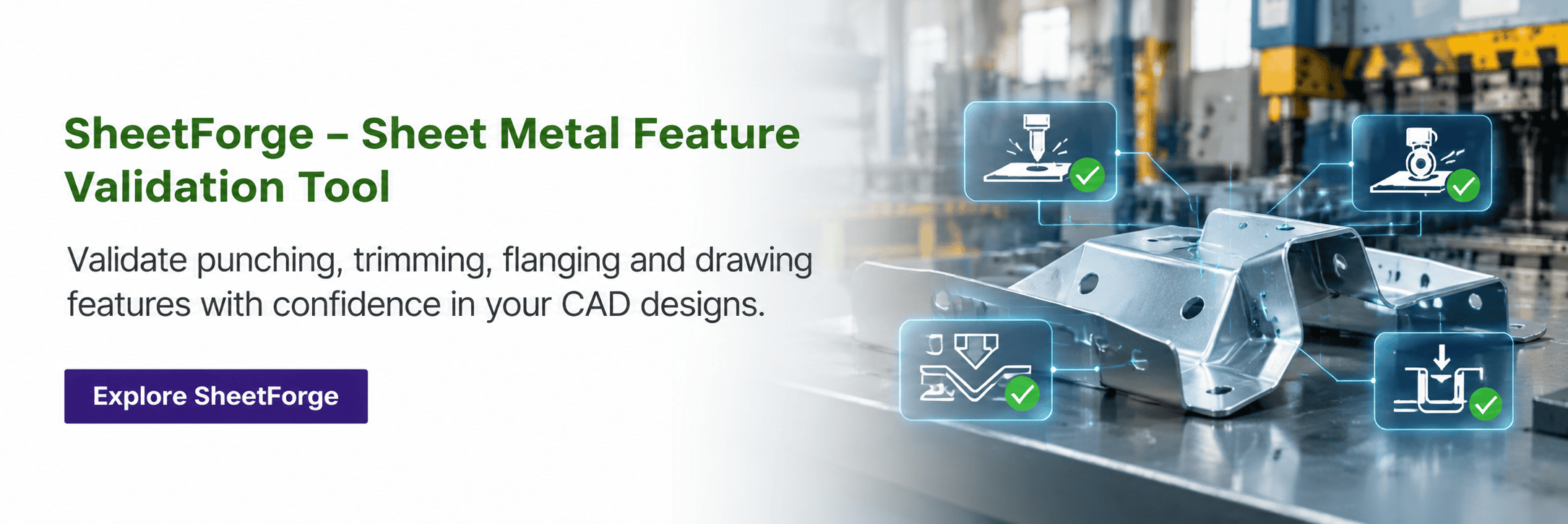
A sheet metal part can look perfect in NX and still fail the moment it hits the press. SheetForge checks punching, trimming, flanging and drawing features against your engineering rules before a single tool gets cut, so the problems show up on screen instead of on the shop floor.
SheetForge - Sheet metal design validation software CitiusKBE
1 %
Faster design validation cycles
1 %
Fewer sheet metal design errors
1 X
More design reviews completed
in the same time
1
Manufacturing stages checked
automatically (punch, trim, flange, draw)

When Your Sheet Metal Design Looks Fine on Screen and Fails on the Floor

A sheet metal part can pass every visual check in NX and still run into trouble the moment it reaches stamping. A punch placed too close to an edge, a trim line that leaves too little material, a bend radius tighter than the material can actually take, these are small geometric issues that are easy to miss by eye and expensive to catch later. By the time they show up, you’re usually looking at a tooling change, a delayed production run, or a part that has to go back through design review all over again.

SheetForge is CitiusKBE’s answer to that gap. It’s a sheet metal feature validation tool built directly into Siemens NX, so design and manufacturing rules get checked automatically as part of the normal workflow rather than as a separate review step that happens too late to matter. Manual checks across punching, trimming, flanging and drawing operations rely on someone catching every edge case by hand, and on a complex part, something always slips through. SheetForge replaces that manual review with automated rule checks and a clear visual report, so manufacturing readiness gets confirmed before tooling fabrication starts, not after.

Validation Framework

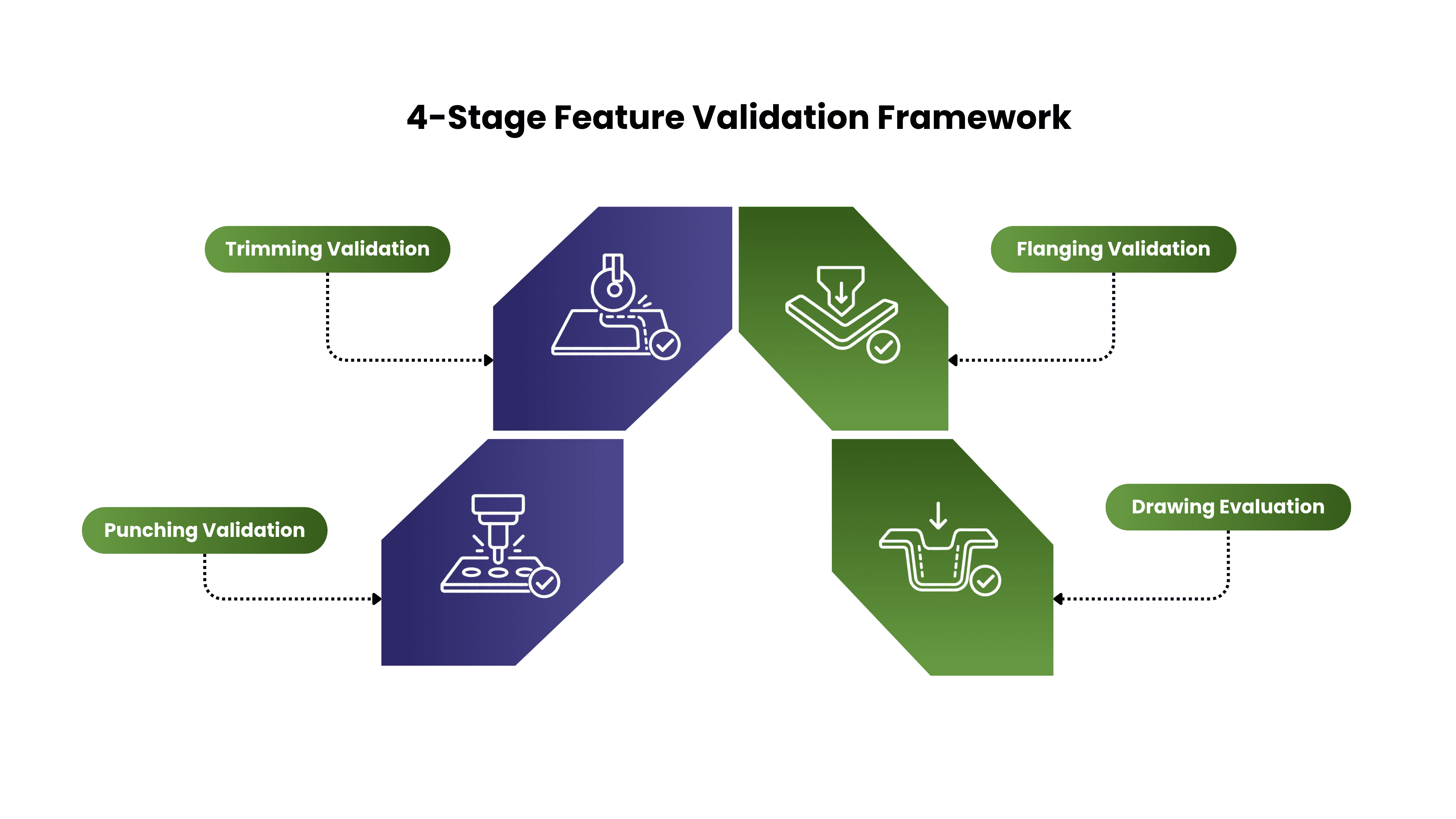
SheetForge checks sheet metal geometry across the four stages that actually make or break a stamped part:

  1. Punching Validation. Checks punch clearances, feature spacing and hole positioning so you catch tooling interference and punch related defects while you’re still in the design phase, not after the die is cut.
  2. Trimming Validation. Reviews trim line distances and cutout boundaries, flagging any area that’s too close to spec limits and needs a design change before it becomes a scrap problem on the floor.
  3. Flanging Validation. Verifies bend radii, flange lengths and bend angles against the engineering criteria you’ve set, so flanges actually form the way the drawing says they will.
  4. Drawing Evaluation. Assesses draw radii, wall draft angles and depth variation to flag forming limitations early, before they turn into a failed first article.

Each stage runs against your own configured rules, so the checks reflect how your team actually validates a part, not a generic ruleset.

CitiusKBE delivers advanced CAD automation tools and engineering productivity solutions

Robust & Flexible
Sheet Metal Validation

SheetForge’s checks cover punching, trimming, flanging and drawing features on individual parts, assemblies and full sheet metal drawings, with fully configurable tolerances so the rules match how your team actually works, not a fixed preset.

Integrated, Real-World Automation Benefits

Validates 3D and 2D Data.

Supports parts, assemblies and drawings, not just solid models.

Customizable Validation Rules

Set your own tolerances per feature type and per project.

Manufacturing Standards Compliance

Build your company's stamping and forming best practices directly into the checks.

Instant Visual Reports

Clear, HTML based reports engineers can read in seconds, not a spreadsheet to decode.

Fewer QC Oversights

Automated coverage removes the gaps that come from manual spot checks.
Automated Sheet Metal Feature Validation for Siemens NX

Why Choose SheetForge for Sheet Metal Feature Validation?

SheetForge’s validation logic is built around how sheet metal parts actually fail in production, not a generic CAD checklist. That’s what separates it from a basic geometry checker.

How SheetForge Improves Engineering Productivity

Automating the validation step doesn’t just save review time, it changes how much rework happens downstream.
New Project

Need Sheet Metal Checks Built Around Your Own Standards?

Not every company validates the same way, and SheetForge doesn't force you to. If you've got specific tolerances, naming conventions or manufacturing rules a generic tool won't cover, CitiusKBE's team can configure SheetForge around them, no dedicated in house QC customization team required.

Frequently Asked Questions (FAQs)

What is sheet metal feature validation software?
It's software that checks sheet metal CAD features, things like punches, trims, flanges and draws, against manufacturing rules before the part goes to tooling. Instead of relying on someone to manually check clearances and bend radii, the software runs the checks automatically and flags anything that falls outside spec.
How does SheetForge reduce sheet metal design errors?
SheetForge replaces manual review with automated rule checks that run directly in NX. Since every feature gets checked the same way every time, it removes the inconsistency and missed edge cases that come with manual QC, which is where most sheet metal design errors slip through.
Which NX sheet metal features does SheetForge check?
SheetForge validates across four stages: punching (clearances, spacing, positioning), trimming (trim line distances, cutout boundaries), flanging (bend radii, flange lengths, bend angles) and drawing (draw radii, wall draft angles, depth variation).
Can SheetForge be customized for our company's validation rules?
Yes. The tolerances and rules behind each check are configurable, so SheetForge can be set up to match your own manufacturing standards rather than a generic default ruleset.
Does SheetForge work with CAD platforms other than Siemens NX?
SheetForge was built natively for Siemens NX. CitiusKBE can adapt the same validation framework for other major CAD platforms depending on your team's setup, so it's worth a conversation even if you're not on NX.
How much time does automated sheet metal validation actually save?
Teams using SheetForge have seen design validation cycles shorten by around 80 percent and design errors drop by around 90 percent, with roughly three times the number of design reviews getting done in the same amount of time.
GET A FREE TRAIL VERSION

SheetForge – Sheet Metal Feature Validation

SheetForge - Sheet metal design validation software CitiusKBE

Ready to Stop Finding Sheet Metal Errors on the Shop Floor?

See how SheetForge catches punch, trim, flange and draw issues before they ever reach tooling.

Cart (0 items)
error: Content is protected !!
citiusKBE - Smart CAD Automation Solutions & Plugins

Please fill this form to get a quick callback...

citiusKBE - Smart CAD Automation Solutions & Plugins

Apply for a Position

Take the next step in your career apply now and grow with CitiusKBE.

Upload your CV with supporting docs